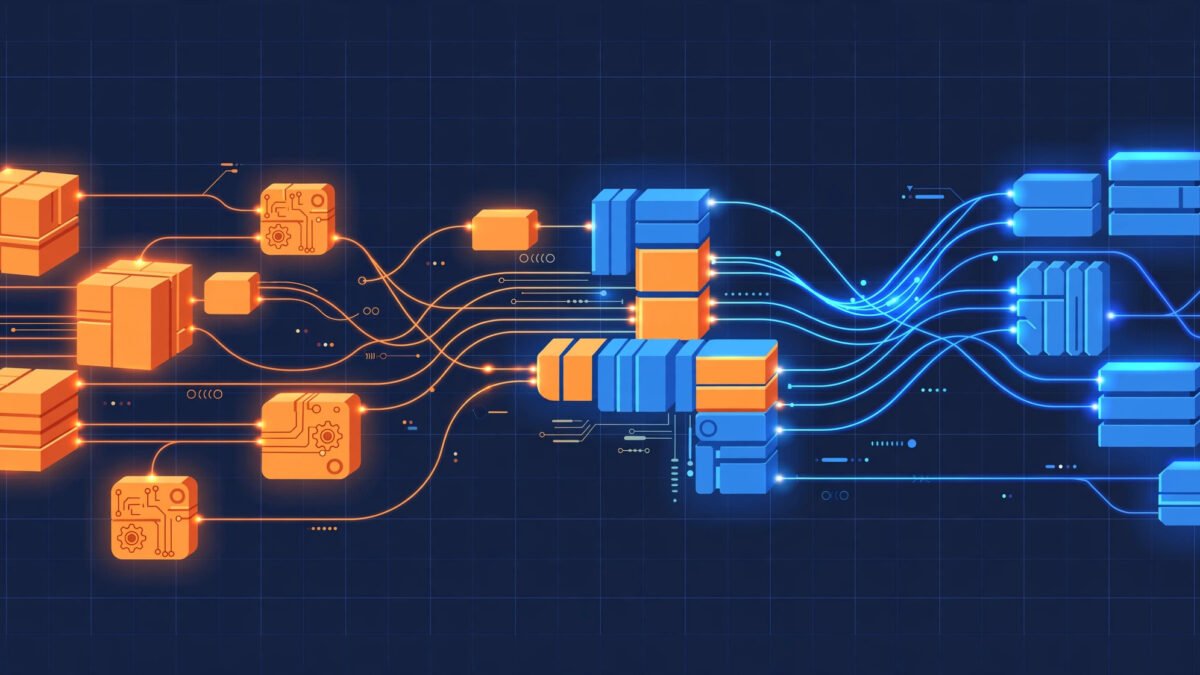
Short answer: There is no publicly verifiable software product called “mogothrow77” — no official website, no code repository, no published developer, and no independent reviews that I could find. What does exist is a handful of generic guides that describe it in vague terms. That said, the question behind the question is a good one: how is software like this actually built? This guide answers both honestly — first, what I checked and what I could not verify, and then a complete walkthrough of how real system-utility software is designed, coded, tested, and maintained.
What Is Mogothrow77? An Honest Look at What Can (and Can’t) Be Verified
Let’s start with the facts, because they matter more here than anywhere else in this guide.
What I actually checked
Before writing this article, I searched the web for “mogothrow77” alongside terms like software, download, GitHub, and built. Here’s what turned up:
- No official website for the software. A domain called mogothrow77.com does exist, but it is a generic content site (its front page mixes tech articles with unrelated survey/giveaway-style content), not a software vendor’s site. There is no download page, no documentation, and no changelog.
- No code repository. There is no GitHub, GitLab, or other public repository for a project named mogothrow77. For real software — open-source or commercial — a repository, a package on a registry (like PyPI, npm, or the Microsoft Store), or at least a release page is the bare minimum trail of existence.
- No verifiable developer or company. Some sites attach a founder’s name and a street address to the project, but none of these claims are backed by a company registration, a WHOIS record tied to a real entity, press coverage, or any independent source. I am not repeating those names here because I cannot verify them.
- No independent reviews. There are no reviews on established software directories, no forum threads from real users, and no tech publication coverage.
What the existing guides say
A few small blogs have published articles about mogothrow77 software. The most detailed one describes it as a modular, system-focused tool for automation, cloud integration, and data processing built with a modern stack. Others are installation guides that, to their credit, openly admit there is no verified product and fall back on generic install steps. None of them cite a primary source — no repo link, no official download, no developer statement. That is the honest state of the evidence.
Checks you can run yourself in five minutes
You don’t have to take my word for any of this. Here is exactly how to verify any obscure software name on your own:
- Search the name in quotes. Type
"mogothrow77"with quotes into Google. Real products surface repos, docs, and discussions; names that exist only as SEO filler surface nothing but thin content farms. - Check code repositories. Search the name directly on github.com and gitlab.com. Real tools live there.
- Look for a package listing. Check your platform’s store or package manager (Microsoft Store, Homebrew, apt, PyPI, npm). Nothing listed means nothing distributed through normal channels.
- Inspect the WHOIS record. Look up the domain on a WHOIS tool and check the creation date, registrar, and registrant. A domain registered weeks ago with privacy protection tells a different story than one tied to a company.
- Check certificate and history. Use the Wayback Machine (web.archive.org) to see what the domain hosted over time — sudden topic changes are a red flag.
- Search security databases. A quick scan on VirusTotal or a malware-name search shows whether installers tied to the name have been flagged.
Bottom line: treat “mogothrow77” as an unverified name, not an established product. Everything from this point on describes how legitimate software of this kind — a system utility for automation, data processing, and optimization — is actually built. That knowledge is real, useful, and transferable.

How Software Like Mogothrow77 Is Actually Built: The Full Lifecycle
Real software is not written in one sitting by one person typing fast. It is built in phases, by teams, with planning, design, testing, and maintenance. The process is called the software development lifecycle (SDLC), and every legitimate product — from a tiny utility to an operating system — goes through some version of it. Here is what each stage looks like.
Stage 1: Defining the problem
Before a single line of code, developers answer one question: what specific problem does this solve? For a system utility like the one mogothrow77 is described as, the problems might be automating repetitive tasks, monitoring system performance, or moving data between services. The team writes requirements: what the software must do, who uses it, and what “done” looks like. Skipping this stage is why so many hobby projects fail — code without a clear problem is just typing.
Stage 2: Designing the architecture
Next comes the blueprint. Developers decide how the software is structured: one big program (a monolith) or many small independent parts (modular/microservices). Modern system tools almost always choose the modular route, because it lets developers update one piece without breaking the rest. Key design decisions include:
- Module boundaries — which features are separate components (e.g., a scheduler, a data processor, a reporting module).
- Communication — how components talk to each other (APIs, message queues, shared databases).
- Data flow — where data enters, how it is transformed, and where it is stored.
- Scalability plan — what happens when usage grows 10x or 100x.
| Architecture pattern | How it works | Best for | Trade-off |
|---|---|---|---|
| Monolith | One codebase, one deployment | Small tools, fast prototypes | Harder to scale or update parts independently |
| Modular monolith | One deployment, clean internal boundaries | Mid-size utilities | Needs discipline to keep boundaries clean |
| Microservices | Independent services communicating over APIs | Large, scaling systems | More operational complexity |
| Serverless / cloud-native | Functions run on-demand on cloud infrastructure | Event-driven automation tools | Vendor lock-in, cold-start latency |
Stage 3: Choosing the technology stack
The stack — languages, frameworks, databases, infrastructure — is chosen to fit the problem, not the other way around. For a system utility like this, typical choices look like the table below. These are typical industry choices for this category, not claims about mogothrow77 specifically, since there is no public information about what it actually uses.
| Layer | Common choices | Why teams pick them |
|---|---|---|
| Backend / core logic | Python, Go, Rust, C# | Python for speed of development; Go/Rust for performance and low resource use |
| Desktop interface | Electron, Qt, Tauri, native toolkits | Cross-platform reach vs. native feel |
| Web dashboard | React, Vue, Svelte | Component-based UIs that update efficiently |
| Database | PostgreSQL, SQLite, Redis | PostgreSQL for reliability; SQLite for lightweight local tools; Redis for caching |
| APIs | REST, gRPC | REST for simplicity; gRPC for fast service-to-service calls |
| Infrastructure | Docker, Kubernetes, cloud VMs | Consistent environments and easy scaling |
| CI/CD | GitHub Actions, GitLab CI, Jenkins | Automated testing and releases |
Stage 4: Building the core features
Development starts with the riskiest, most essential features — not the polish. For a system utility, that usually means:
- Core engine — the main logic (e.g., the task scheduler or data pipeline).
- Configuration system — settings files, user preferences, defaults.
- Data layer — how the tool stores and retrieves information.
- User interface — command line first, graphical interface after (real tools often ship CLI before GUI).
- Integrations — APIs to connect with other services.
- Installer and updater — how users get the software and receive updates.
Developers work in short cycles (one to two weeks), demo progress, and adjust. Code is reviewed by other developers before it is merged — this catches bugs and keeps quality consistent.
Stage 5: Testing — far beyond “does it run?”
Testing is where serious software separates from hobby projects. Professional teams run multiple kinds of tests, and they run them automatically on every change:
- Unit tests — each small function is checked in isolation.
- Integration tests — components are checked working together.
- System tests — the whole product is tested end to end.
- Performance tests — how does it behave under heavy load or low memory?
- Edge-case tests — network drops mid-task, disk fills up, user enters garbage input.
- Security tests — attempts to break in, escalate privileges, or leak data.
- Compatibility tests — different operating systems, versions, and hardware.
A good rule of thumb: if a project has no visible test suite and no changelog, its reliability is unknown. That applies to mogothrow77 as much as to any other name.
Stage 6: Security built in, not bolted on
Modern development builds security in from the start instead of adding it later. For system-level software — which by nature touches files, processes, and networks — this means:
- Least privilege — the software requests only the permissions it truly needs.
- Input validation — everything from users, files, and networks is treated as untrusted until checked.
- Secure defaults — encryption on, telemetry off (or clearly disclosed), no hardcoded secrets.
- Dependency scanning — third-party libraries are checked for known vulnerabilities.
- Signed releases — installers are digitally signed so users can verify they came from the real developer.
This is the stage that matters most for you as a user. Software that asks for administrator rights, runs in the background, and comes from an unverifiable source is the highest-risk category. Which brings us to the safety section below.
Stage 7: Deployment and release
When the software passes testing, it is packaged and released. Professional releases include a version number, release notes describing what changed, signed installer files, and — for larger tools — a staged rollout (a small group gets the update first so problems surface early). Containerization tools like Docker let teams ship the exact same environment everywhere, which is why modern guides mention containers so often.
Stage 8: Maintenance — the stage that never ends
Shipping version 1.0 is the middle of the story, not the end. Real software is maintained for years: bug fixes, security patches, compatibility updates for new operating systems, and new features. A project with no update history, no issue tracker, and no recent activity is either finished (rare) or abandoned (common). Before trusting any tool, check when it was last updated.
| Lifecycle stage | What happens | What you can look for as a user |
|---|---|---|
| 1. Requirements | Problem defined, features specified | Clear product description on an official site |
| 2. Architecture | System blueprint drawn up | Technical docs or architecture blog posts |
| 3. Stack selection | Languages and tools chosen | Open-source repos reveal the real stack |
| 4. Development | Features built in cycles, code reviewed | Public commit history, contributors |
| 5. Testing | Automated and manual test suites run | Test badges, published test results |
| 6. Security | Threat modeling, audits, signed builds | Signed installers, security policy page |
| 7. Release | Packaged, versioned, distributed | Changelog, version history |
| 8. Maintenance | Patches and updates over time | Recent release dates, active issue tracker |
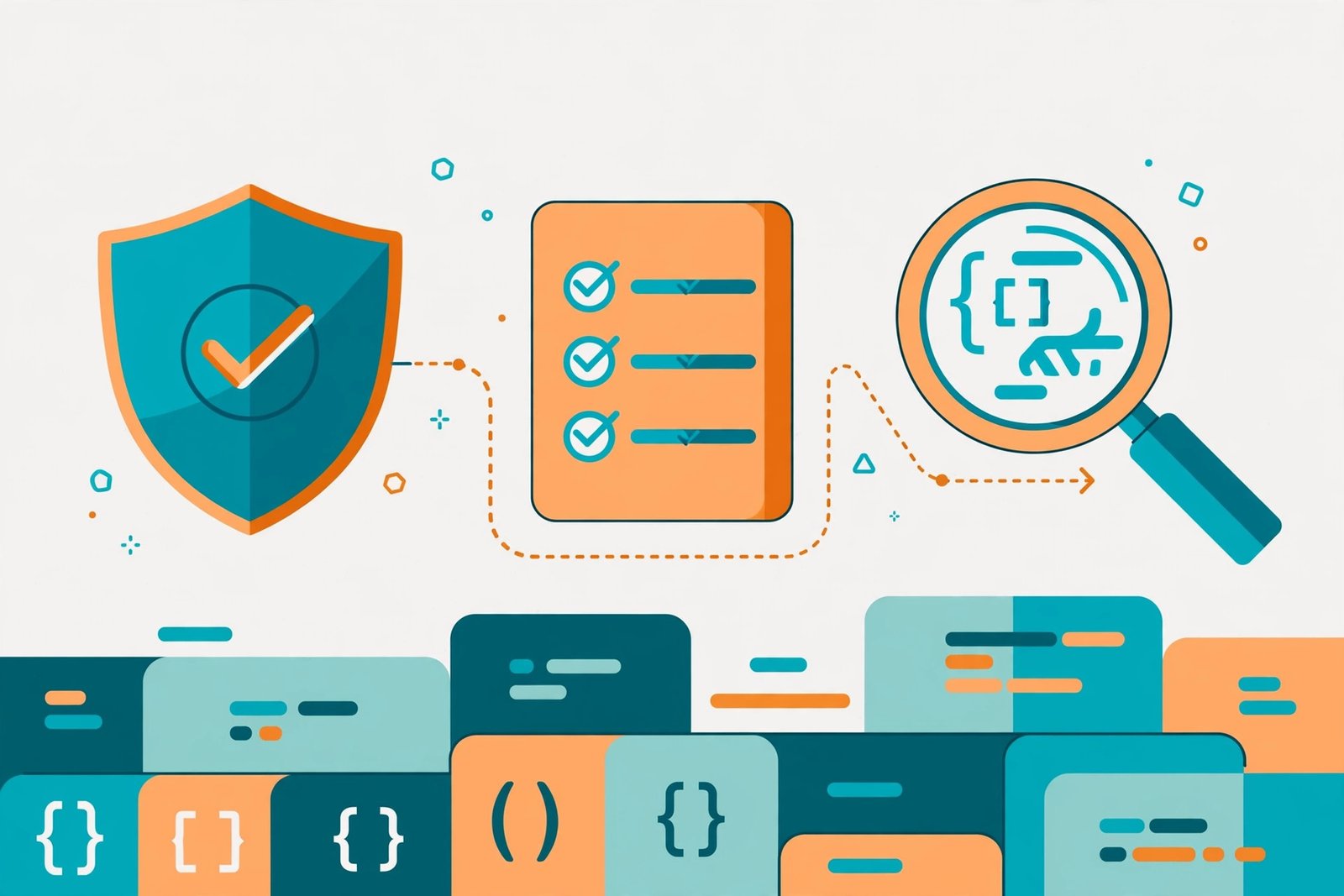
Red Flags: How to Judge Unverified Software Like Mogothrow77
Whether you are considering mogothrow77 or any other obscure tool, run it through this checklist before installing anything:
| Check | Green flag | Red flag |
|---|---|---|
| Official source | Clear vendor site with docs and downloads | Only random blogs mention it; no official page |
| Code transparency | Public repo or at least a company behind it | No repo, anonymous authorship |
| Installer safety | Digitally signed, matches published checksum | Unsigned, no checksum, SmartScreen/antivirus warnings |
| Permissions | Asks only for what it needs | Demands admin rights with no explanation |
| Reviews | Independent user discussions and reviews | Only SEO-style articles with affiliate or ad links |
| Update history | Regular dated releases | No version history at all |
| Uninstaller | Clean, complete removal option | No uninstaller or leaves background services running |
If you still want to try an unknown tool
- Scan the installer with your antivirus and upload it to VirusTotal before running it.
- Use a sandbox or virtual machine for the first run, so nothing on your real system is at risk.
- Watch what it does — unexpected network connections or files appearing in system folders are warning signs.
- Back up first. A system restore point takes a minute and can save hours.
- Uninstall cleanly if anything feels off, and check that no background services remain.
A Concrete Example: How One Module Gets Built
To make the lifecycle tangible, here is how a single feature — say, an automated disk-cleanup module inside a system utility — moves through the stages above:
- Requirement: “The tool must free at least 500 MB of temporary files without deleting anything the user needs, and it must ask for confirmation first.”
- Design: The module is split into three parts: a scanner (finds temp files), a classifier (decides what is safe to remove using an allowlist, never a blocklist), and a reporter (shows what will be deleted). Each part has a defined interface so any of them can be replaced later.
- Build: The scanner is written first, because everything depends on it. Unit tests check it against fake directory trees — empty folders, permission-denied folders, files with strange names.
- Testing: Integration tests run the full pipeline on a disposable virtual machine. One edge case test fills the disk to 99% and checks the tool still behaves; another revokes write permissions mid-run.
- Security review: A second developer checks that the classifier can never mark user documents as deletable, and that the module never phones home with file paths.
- Release: The module ships behind a feature flag, enabled for 5% of users first. Crash reports are monitored for a week before full rollout.
- Maintenance: When a new OS version changes temp-file locations, only the scanner needs updating — the rest of the module is untouched. That is the payoff of modular design.
Multiply this process across dozens of modules, and you have a real product. This is also why the absence of any such trail — no repo, no changelog, no issue tracker — for mogothrow77 is so telling: genuine build work leaves genuine evidence.
Frequently Asked Questions
What is mogothrow77 software?
Based on everything I could verify, “mogothrow77” is not an established software product. It is a name that appears in a small number of low-quality web articles describing a supposed system utility for automation and optimization. I found no official website, code repository, developer, or independent review for it.
How is mogothrow77 software built?
There is no public information about how it was actually built. However, software of the type it is described as — a system utility — is typically built in stages: requirements, modular architecture design, stack selection (often Python/Go with PostgreSQL or SQLite), iterative development with code review, extensive automated testing, security hardening, signed releases, and long-term maintenance.
Is mogothrow77 open source?
There is no evidence for this. Some articles claim it is, but none link to a repository or license. Open-source software is verifiable by definition — you can see the code. If nobody can show you the code, treat the claim as unproven.
Is mogothrow77 safe to download and install?
Its safety cannot be confirmed because there is no verified official source. Never download software of this kind from random third-party sites. If you encounter an installer, scan it with antivirus software, check it on VirusTotal, and run it in a sandbox or virtual machine first.
What programming languages are used to build software like this?
Common choices for system utilities include Python for rapid development, Go or Rust for performance-critical components, and C# for Windows-native tools. Databases are typically PostgreSQL for server-backed tools or SQLite for lightweight local ones. These are industry-typical choices, not confirmed details about mogothrow77.
Why does understanding software architecture matter for users?
It tells you how the tool handles updates, failures, and growth. Modular software can be fixed one piece at a time; monolithic tools need full reinstalls. It also helps you judge whether a developer’s claims are plausible.
How can I tell if obscure software is legitimate?
Look for a verifiable trail: an official site, a public repository or company, signed installers, a changelog, and independent user discussion. The absence of all of these — as with mogothrow77 — is itself an answer.
What should I use instead of unverified system tools?
For automation and system optimization, established open-source tools with public repositories and active communities are the safe choice. Search your platform’s official package manager first, and prefer tools with years of update history and real user communities.
Related Articles
- Details of GDTJ45 Builder Software: Honest 2026 Guide
- 8tShare6a Software Download: Honest 2026 Guide
- Family Law Software: 10 Best Tools Compared (2026 Guide)
Conclusion
“How mogothrow77 software is built” is a question with two answers. The narrow answer: it can’t be given, because no verifiable software by that name exists — and honesty requires saying so plainly rather than inventing a company profile, a tech stack, or a founder. The broader answer is far more useful: real software is built through a disciplined lifecycle of requirements, modular architecture, careful stack choices, rigorous testing, security-by-design, and years of maintenance. If you take one thing from this guide, let it be the verification habit: search the name in quotes, look for the repository, check the installer, and never grant an unverified program the keys to your system. The checks take five minutes. Recovering from a bad install can take days.



3 Comments
Comments are closed.